Configuring the voice recognition settings (if equipped)
Change settings for voice recognition.
- Available settings may differ depending on the vehicle model and specifications.
- On the Home screen, press Setup ▶ Voice Recognition.
The voice recognition settings screen appears.
- Configure the settings as required.
- Press
 on the screen or press the button on the control panel, enter a search term, and then select the item to run.
 - Voice recognition is supported only for certain languages. If you change the system language, voice recognition may not be supported.
Audible Prompts
Sets the level of detail used in Voice Recognition prompts.

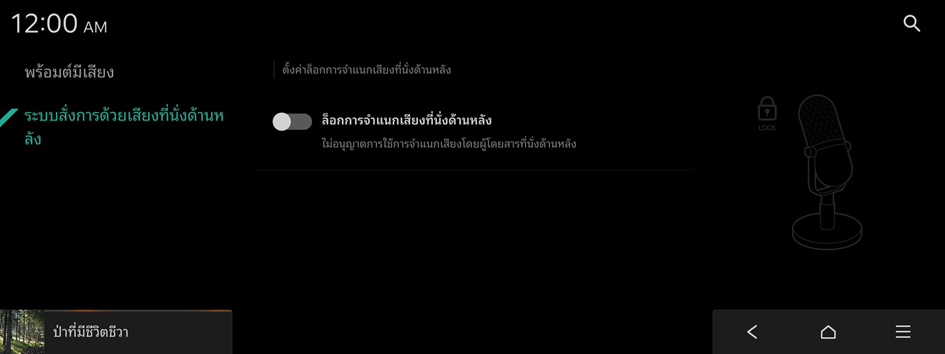
Rear Seat Voice Recognition (if equipped)
Sets the rear seat Voice Recognition lock.