Configuring the button settings
You can configure the settings for notification and button actions.
- On the All menus screen, press Settings ▶ Button.
The button settings screen appears.
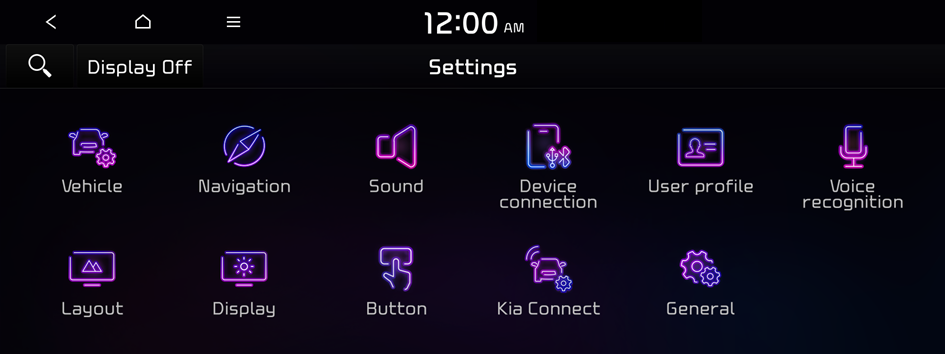
Type1
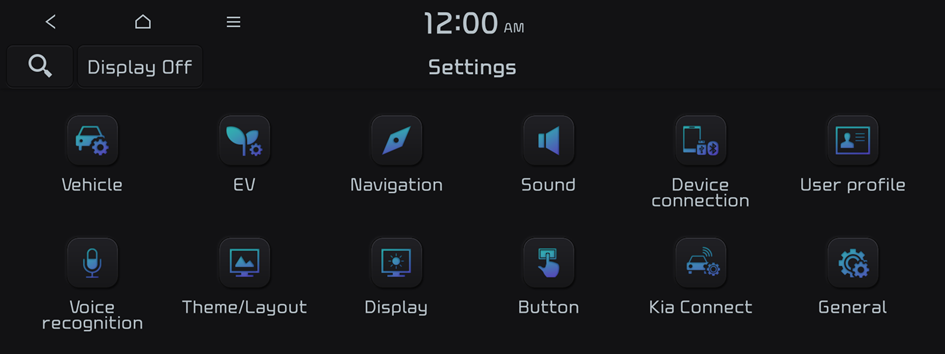
Type2
- The screen may differ depending on the vehicle model and specifications.
- If the vehicle is type 2, it is possible to change the graphic theme to white or black. ▶ See "Graphic themes (if equipped)."
- Configure the settings required:
- Press
 ▶ Search for settings or press
  and enter a keyword to search for a setting item. You can also search for a setting item by voice.
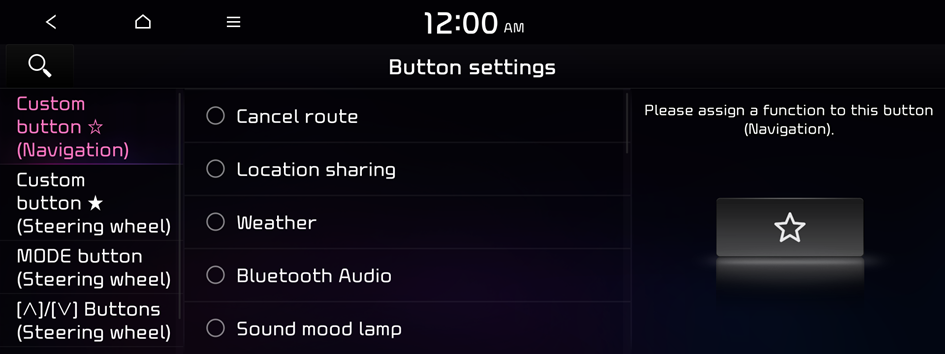
Custom button ☆ (Navigation)
Set the frequently used function as custom button to access them easily. To set this, long press the custom button on the control panel, assign any function mentioned in the list.
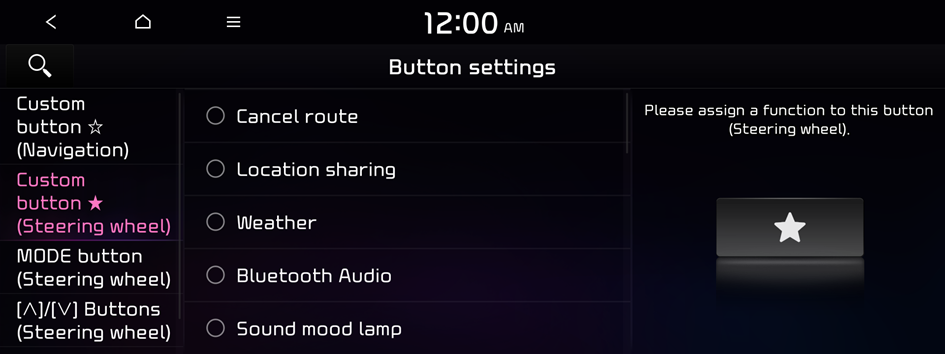
Custom button ★ (Steering wheel)
Set the frequently used function as custom button to access them easily. To set this, long press the custom button on the steering wheel, assign any function mentioned in the list.
- The screen may differ depending on the vehicle model and specifications.
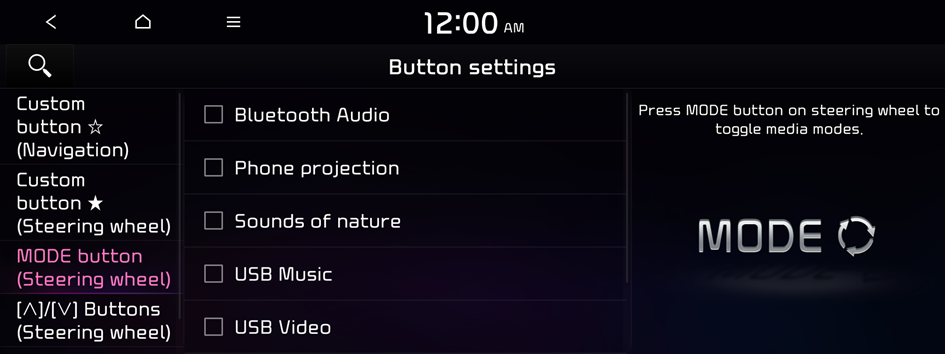
MODE button (Steering wheel)
Mode button can be used to change the frequently used media modes by repeatedly pressing it. To do this, long press the Mode button on steering wheel, then select favourite modes mentioned in the list.
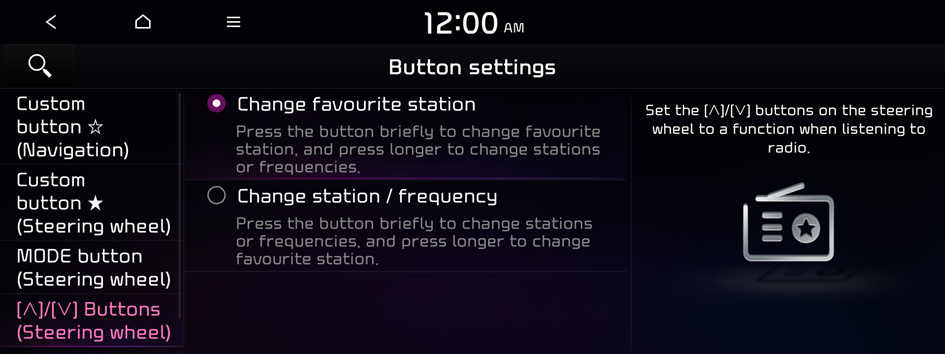
[∧]/[∨] Buttons (Steering wheel) (if equipped)
You can use the Move lever/button on the steering wheel to select the radio function to run.
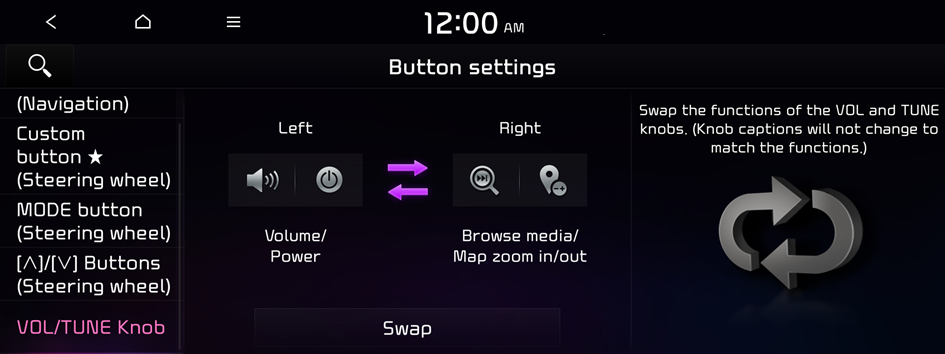
VOL/TUNE Knob (if equipped)
You can switch the functions of the Volume and Tune knobs.
- The screen may differ depending on the vehicle model and specifications.


